Accelerators & Account Safety
This guide explains how to use Accelerator accounts safely. The goal is simple: reduce pressure on main accounts and keep automation stable without triggering unnecessary risk signals.
What an Accelerator is
An Accelerator (sometimes called a slave account) is an additional account used to execute specific background requests instead of your main account.
- Main account: your primary account for posting and normal business actions
- Accelerator account: helper account for selected automation-heavy requests
Why this helps account safety
- Distributes request load so one account does not perform everything
- Makes request patterns more consistent when configured conservatively
- Reduces the chance of spikes that often lead to challenge/checkpoint events
Safe rollout checklist (recommended)
- Start with at least 3 accelerators per main account; larger pools can improve stability when limits and delays are configured correctly.
- Use conservative delays and low daily limits for the first 2-3 days.
- Run one stable task first and review logs before scaling.
- Increase limits gradually, step by step, only after stable behavior.
- Keep fallback plan ready: pause task if all accelerators disconnect.
Where to configure
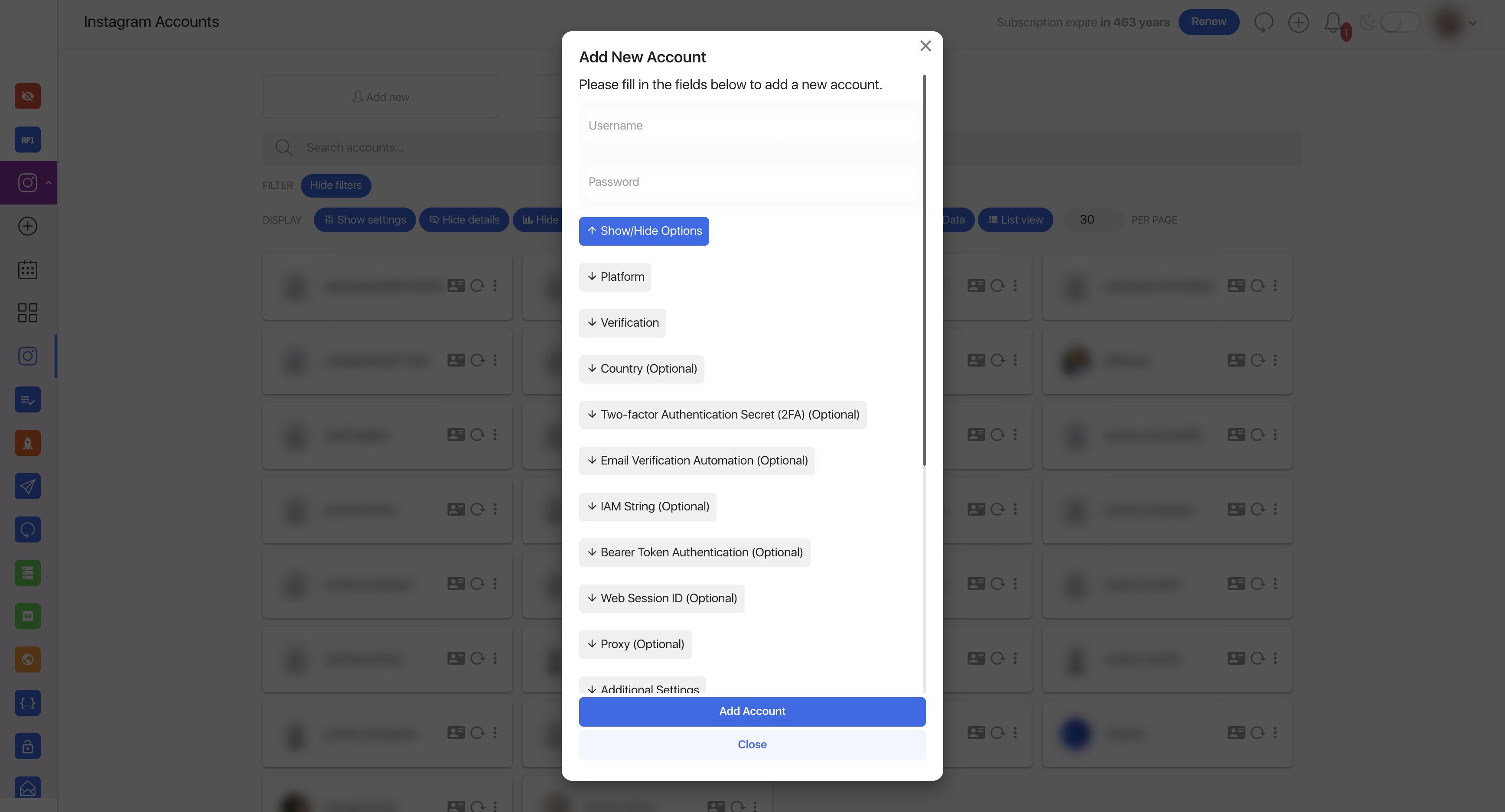
- Instagram Accounts: mark account as Accelerator and manage account state
- Leads Finder: connect accelerators and control per-function limits
- Reactions Pro: use accelerator-related controls in task settings
- Challenge Pro: handle reconnect/challenge flows when needed
Module access note
Accelerator controls depend on package modules. If this block is visible but controls are missing in your account, check package permissions with your admin.
Your current package may not include Accelerator controls for all modules.
Manual and system-managed modes
Accelerators can provide data requests for your task without placing every lookup on the main Instagram account. The modes available to you depend on package and administrator settings.
- Manual mode: connect and maintain accelerator accounts directly in the task.
- System-managed mode: the platform assigns an eligible accelerator from a shared pool; users do not manage that pool.
- If a mode or limit control is missing, it is not enabled for your package or user account.
Task-level accelerator connection and assignment controls.
Rescheduling and fallback behavior
- When no eligible accelerator is available or the assigned account is rate-limited, your task can wait for a later retry instead of repeatedly requesting.
- HikerAPI and main-account fallbacks are independent task/package options. Confirm them before relying on automatic recovery.
- The Activity Log shows unavailable assignments, limit resets and accelerator restart state so you can distinguish a waiting task from a failed task.
Accelerator Analytics
The task panel is restricted to your current task and its assigned accelerators.
- Request activity can be grouped by function, including followers, following, likers, user feed, explore and reels feeds.
- Health cards and chart series distinguish requests paused by limits, temporary 429 responses and UFAC/challenge or ban signals.
- Recent Events gives a compact audit trail of reservations, switches, connections and releases.
- Use manual or automatic refresh and fullscreen chart mode while monitoring an active task.
- Export analytics available in the current task view; reports can include the detailed event table.
- Task owners can clear analytics for their own task from the panel.
Task-scoped request timeline, limit hits, 429 responses and UFAC signals.
Reservation, connection, switch and release events visible for the current task.
Daily limits and pacing rules
- Prefer predictable pace over maximum speed.
- Set strict per-accelerator daily limits before enabling broader targeting.
- Use meaningful delays between requests, especially after reconnect or challenge recovery.
- Avoid aggressive multi-use patterns on fresh or recently recovered accounts.
Warning signs to watch
- Frequent reconnect prompts
- Repeated challenge/checkpoint events
- Sudden drop in successful requests while errors increase
- Unusual spikes in activity after recent settings changes
Accelerator diagnostics and recovery
Recent versions add a diagnostic layer around accelerator selection. This makes a waiting task explain which candidates were checked, why an account was skipped, and whether the problem belongs to the accelerator, its proxy, a provider limit, or the main Instagram account.
- Proxy and rotation history shows recent health changes and helps detect an accelerator that repeatedly returns through an unhealthy route.
- Automatic recovery can return eligible accelerators to the pool after the configured cooldown instead of requiring every temporary restriction to be cleared manually.
- Rate-limit and challenge cooldowns keep affected action classes paused while unrelated work can continue when policy allows it.
- Rotation history and provider diagnostics make fallback decisions visible, including optional providers such as HikerAPI, HootData, and GiveMeData when installed and configured.
- Use Activity Volumes together with accelerator diagnostics: diagnostics explains individual routing decisions, while Activity Volumes reveals account-wide trends and restriction clusters.
If risk signals appear
- Pause the task immediately.
- Reduce limits and increase delays before restarting.
- Reconnect affected accounts and complete challenge steps if required.
- Resume with smaller target scope and monitor logs closely.
Operational best practices
- Review usage and errors daily during the first rollout week.
- Keep network and proxy setup consistent; avoid frequent infrastructure changes.
- When testing new settings, change one variable at a time.
- Document your stable baseline settings so you can quickly recover after incidents.