Blur Mode
Blur Mode hides sensitive values in the interface so the screen is easier to share safely during demos, support calls, or recordings.
What it does
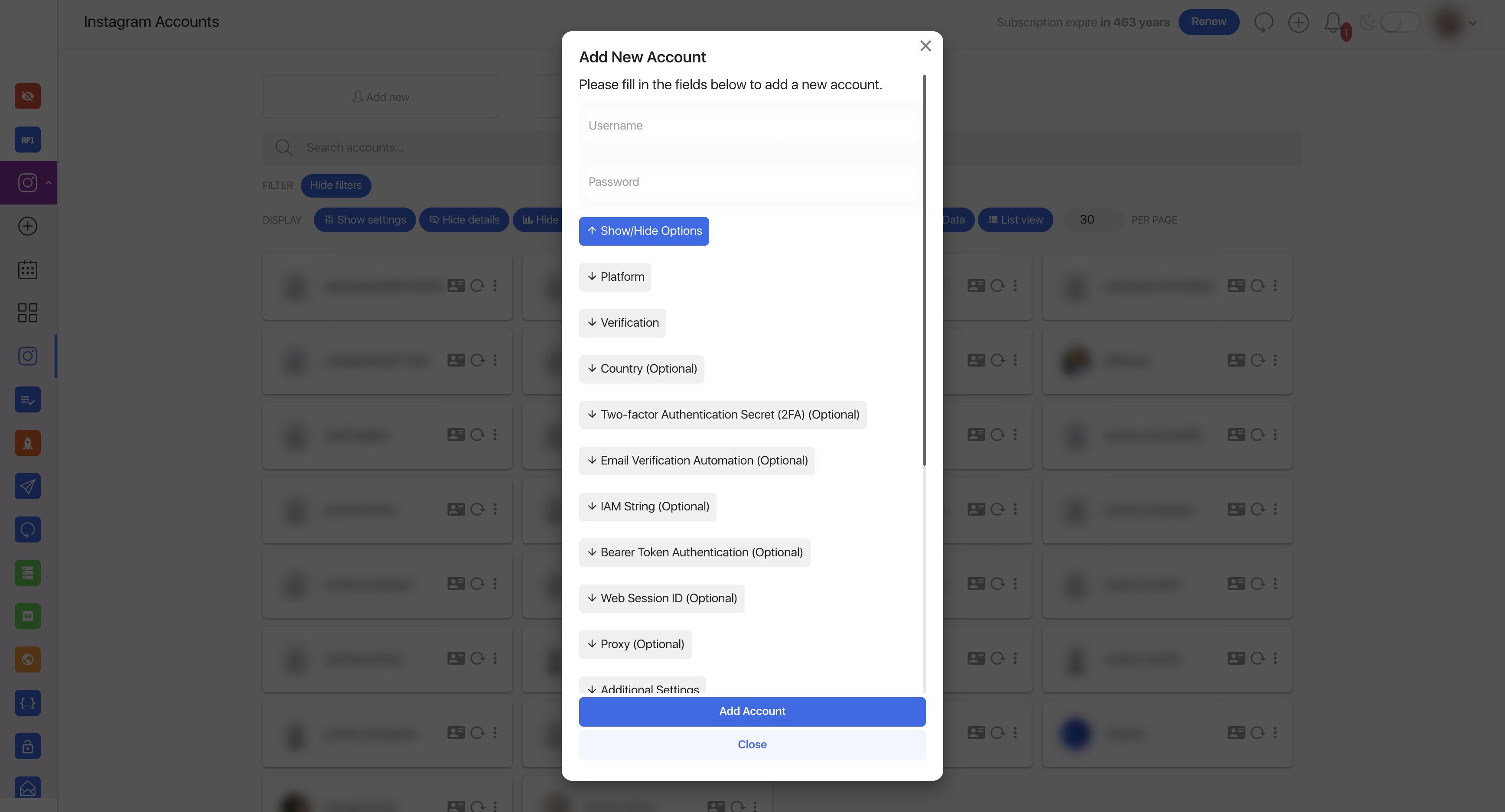
When Blur Mode is enabled, the interface blurs private information such as usernames, email addresses, phone numbers, passwords, and avatars. It does not change the underlying data; it only changes what is visible on screen for the current user.
User-facing switch for hiding sensitive values on screen.
Example of the UI after Blur Mode has been enabled.
Where users find it
Users can turn Blur Mode on or off from their Profile page. The control is part of the personal privacy settings, so there is no separate admin workflow for day-to-day use.
Good times to use it
- Before sharing your screen in a meeting.
- While recording a training video or demo.
- When you want to keep account details out of screenshots.