Documentation Overview
This is the internal knowledge base for operations, setup, feature usage, and module-level controls.
The docs are organized by workflow: Instagram is one major cluster, but the product also includes independent features and admin tools that can be used with or without it.
Use the sidebar to move between sections, and the On this page panel on content pages to jump between headings.
How to read this documentation
If you are a new operator, start with Quick Start and one concrete workflow page (Accounts or Scheduling). If you are an administrator, read feature pages first to understand user impact, then open admin pages for policy and configuration details.
Each page is written to be usable on its own, so you can jump directly to your current task without reading the full docs from top to bottom.
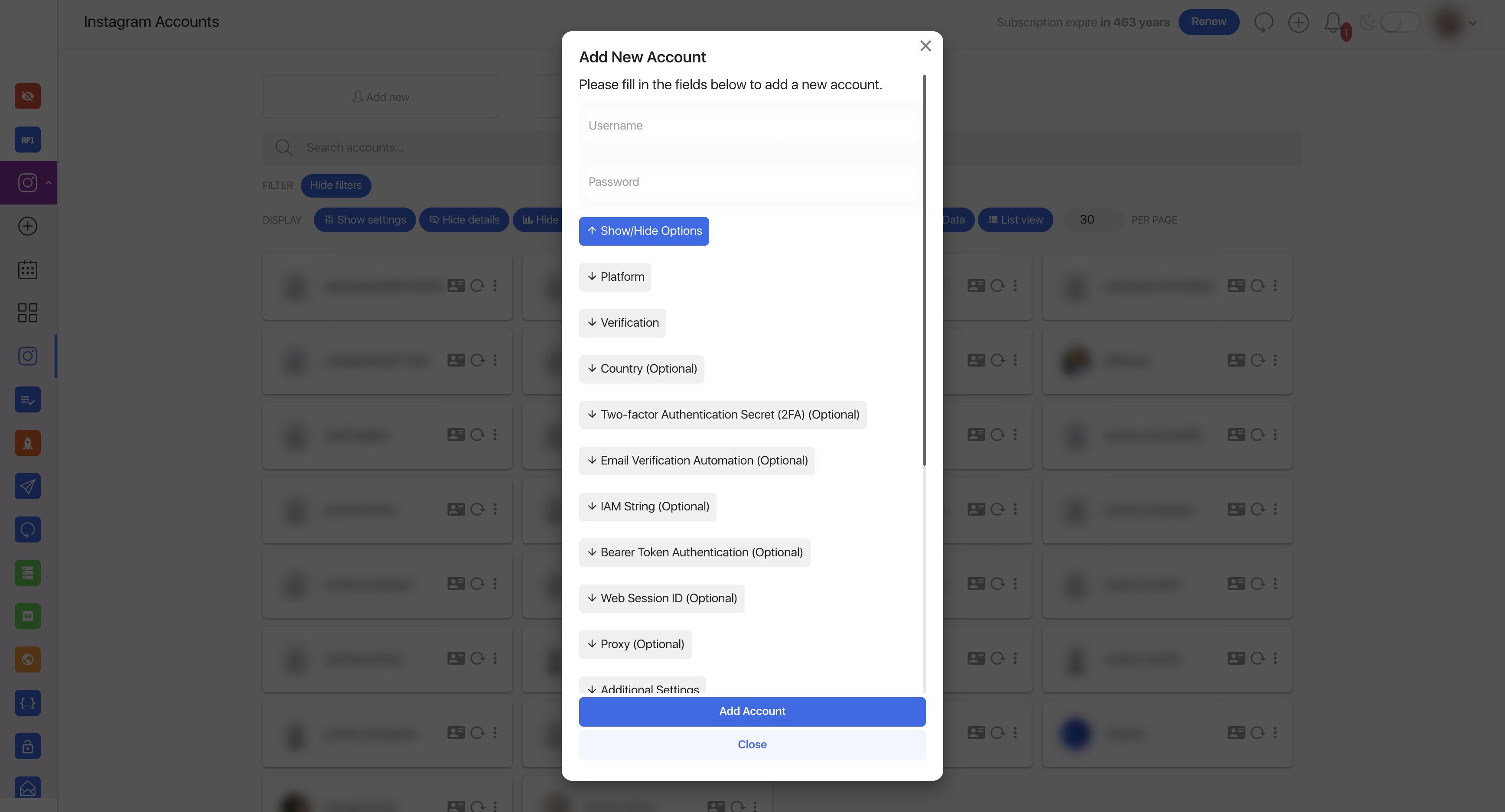
Primary operational page where teams monitor account status and open account-level actions.
How the docs are grouped
- Access — System login, 2FA, and general sign-in guidance
- Getting Started — Quick start, installation, and configuration
- Instagram workflow — Account linking, publishing, calendar, captions, and Instagram-specific modules
- Independent modules — Features that can be used separately from Instagram, plus optional integrations
- Administration — Users, packages, settings, plugin lifecycle, and update workflows
If you do not use Instagram
That is fine. Several parts of the product are useful on their own, and the docs are written so you can read the sections that match your setup without needing the Instagram workflow first.
Start with the sidebar sections that match your role, then move into optional modules only if your package or deployment includes them.
Instagram workflow
This block groups the Instagram-centered parts of the product. It is useful when Instagram is the main workflow, but the app can still be used for other modules even if some Instagram-specific features are not enabled.
| Area | Link | Use it for |
|---|---|---|
| Accounts | Instagram Accounts | connect accounts, review status, and manage login/session health |
| Publishing | Scheduling Posts | create posts, stories, reels, and other scheduled content |
| Calendar | Calendar | track planned and published content |
| Captions | Caption Templates | reuse and manage caption text |
| Advanced Instagram modules | Repost Pro, Proxy Manager Pro, Direct Manager, Challenge Pro, Reactions Pro | extend the Instagram workflow when those modules are available |
Start here
| Topic | Link |
|---|---|
| Start quickly | Quick Start |
| Connect Instagram account | Instagram Accounts |
| Plan posting workflow | Scheduling Posts |
| Work with captions | Caption Templates |
| Review activity module | Reactions Pro |
Typical starting point for publishing workflows after account setup is complete.
Independent modules and integrations
These pages cover modules that can be enabled or skipped depending on package configuration and product setup. They are separated from the main Instagram workflow on purpose.